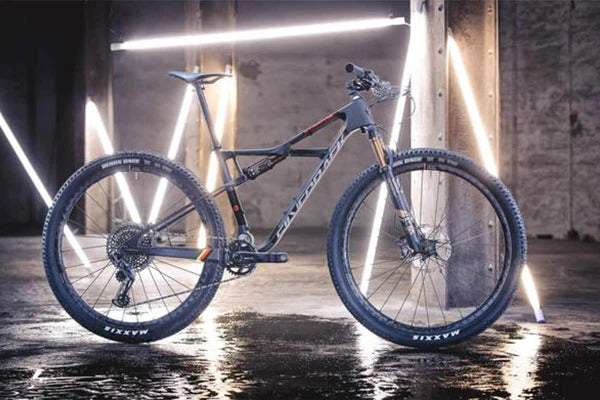
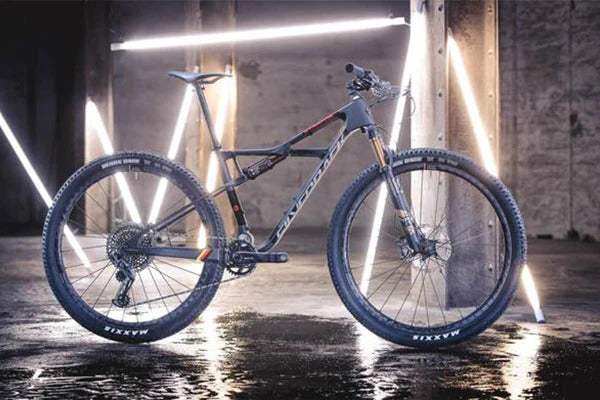
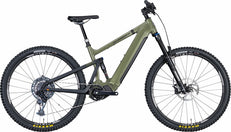
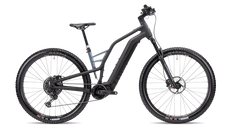
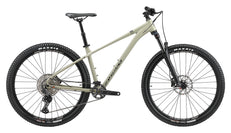
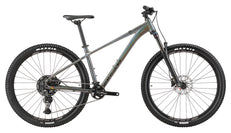
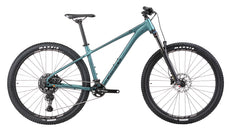
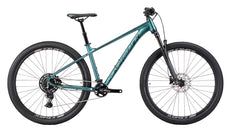
150/145mm Travel
 29" x 2.5" Wheels
 1x12 Speed SRAM AXS
 EP-801 Shimano Motor
 85Nm Torque
 720Wh Battery
 from 20.9kg


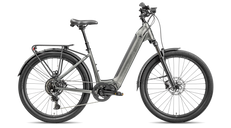
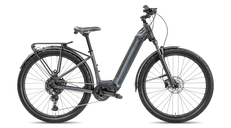
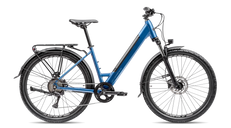
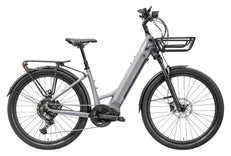
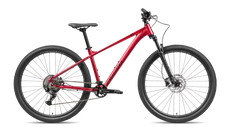
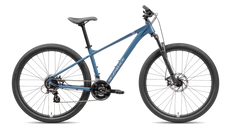
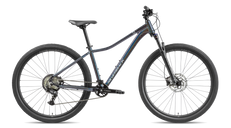
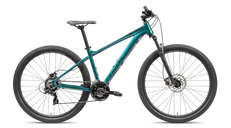


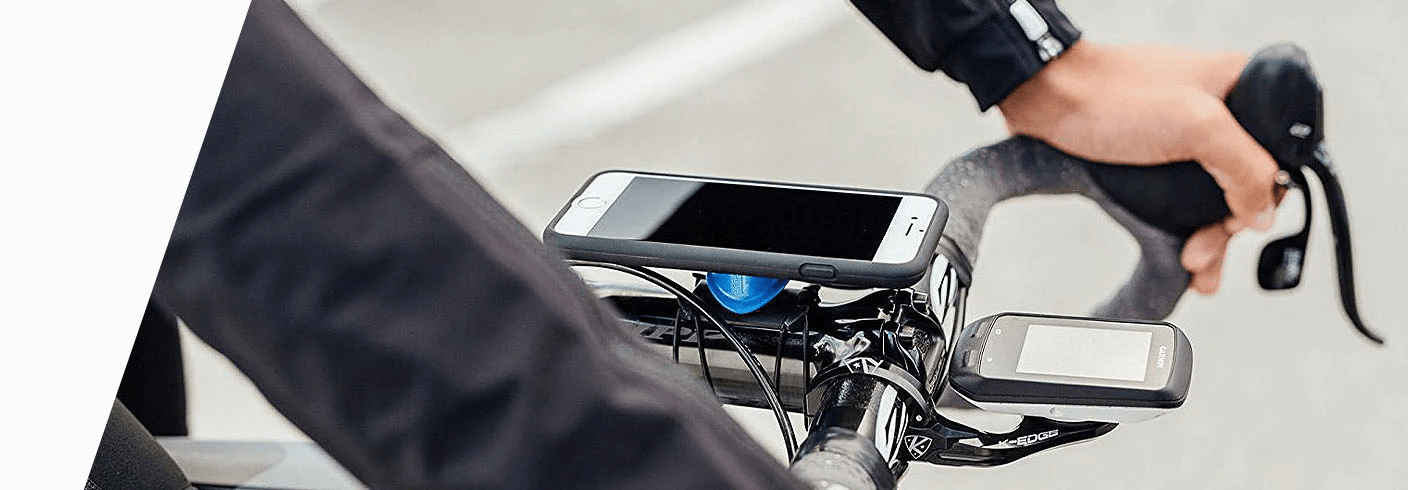



E-bike firmware updates can change how a compatible drive system behaves without replacing its motor. Depending on the specific release, software may address a fault, support compatible components or change assistance features. But an update is not a universal power upgrade, and a newer phone app does not necessarily mean the bicycle's firmware has changed.
This guide explains e-bike firmware updates, app connectivity and a sensible update routine. It uses documented Shimano and Avinox examples, not a promise that every feature is available on every bicycle. Always match the release notes to your exact drive unit, components and region.
App update, firmware update or settings change?
| Change | What it affects | What not to assume |
|---|---|---|
| Phone app update | The application on your smartphone | That the bike's devices updated automatically |
| Device firmware update | Software running on a supported bike component | That every drive unit accepts the same release |
| Assistance customisation | Available settings within supported limits | That changing a setting replaces an update |
| Compatible hardware installation | The physical system configuration | That software can replace missing components |
Keep these distinctions in mind when reading an announcement. The word “update” can describe different actions, and an interesting feature may require more than installing an app.
What software can change on an e-bike
Assistance behaviour and personal settings
Avinox describes assistance-parameter adjustment through its Ride app, including assist level, start assistance and maximum torque. Those settings let riders personalise supported behaviour. Their presence does not establish that every available parameter is supported on every version or bike configuration.
A smoother setting may suit tight trails better than maximum response. Test supported changes cautiously in a suitable area before relying on them on a demanding ride. Record your original preferences so you can compare rather than changing everything at once.
Component compatibility and feature support
Shimano's E-TUBE PROJECT guidance makes clear that supported units and compatibility depend on the application version. Check the relevant compatibility information when planning an update or a component change. A familiar connector or brand name is not enough to establish a supported combination.
For example, automatic shifting is not created simply by installing software on a mechanical drivetrain. Confirm the actual electronic components and supported configuration before treating a feature announcement as applicable to your bike.
Can you update it yourself, or do you need a dealer?
The answer is system- and release-specific. Avinox's drive-system manual describes device-update prompts in the paired app. Shimano's announcement of its race-specific EP801 firmware update, by contrast, directs owners to a dealer for that release. This is an example of a documented update route, not a claim that it is the latest release for your bicycle.
Do not infer that every Shimano component updates wirelessly, or that every Avinox-connected bike supports an identical procedure. Consult the current official instructions for your exact setup. If professional equipment is specified, arrange a workshop visit rather than improvising.
A practical update checklist
Before starting
Identify the drive unit and connected components, read the release notes and confirm the prescribed update route. Follow the stated battery requirements and connection instructions. Leave time to complete the process and assess the bike afterwards rather than beginning immediately before an essential journey.
While the update runs
Follow the onscreen instructions without introducing extra steps. Avinox's manual calls for sufficient battery power, a strong phone signal and stable Bluetooth, and says not to move the bicycle or switch off the control display during its update procedure. Apply those instructions to the covered system, not as a substitute for another manufacturer's manual.
After completion
Check the reported result and any instructions for confirming versions or settings. Verify normal controls and assistance before a demanding ride. If the process fails, use the manufacturer's recovery instructions or contact a qualified service provider. Do not repeatedly interrupt or restart the system based on guesswork.
For persistent warnings or lost assistance, read E-Bike Motor Problems: Common Faults and Solutions. An update is not a substitute for investigating damage, unusual heat or an unresolved electrical fault.
What software cannot promise
Do not assume an update turns one motor into another, increases battery energy or guarantees a longer range. Hardware, thermal limits, battery pairing and supported settings still matter. Our Avinox M2 vs M2S guide and 150 Nm vs 85 Nm comparison explain why separate specifications need context.
Likewise, a changed assistance setting can alter the riding experience without proving improved efficiency. Compare similar routes and conditions, using our battery-range guide for context. For cross-system buying questions, see Avinox vs Shimano EP801.
Buying advice: ask about software support
Ask which app supports the actual bicycle, which tasks are rider-accessible and where dealer diagnostics are available. Prioritise the complete bike and support arrangements over a feature that might appear in a future release.
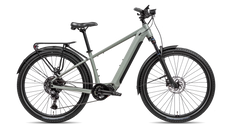
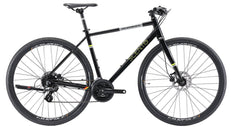
Explore the S-ELECTRO STEP-SERIES 10, listed with Shimano EP6 assistance, a removable 630 Wh battery and CUES 10-speed gearing. Those specifications do not by themselves establish a particular app feature or electronic-shifting capability.
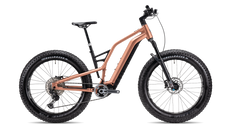
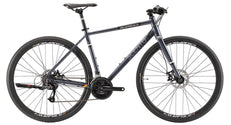
For another everyday platform, compare the S-Electro 85 (10spd). The S-ELECTRO STEP-SERIES 9 and S-Electro Pro CF 2 provide different complete-bike references; verify each current build before making software assumptions.
Frequently asked questions
Will updating my phone app update the motor?
Not necessarily. Check whether a separate device update is offered and follow the prescribed process.
Can firmware add automatic shifting?
Only where the complete hardware and software configuration supports it. Software does not turn a mechanical derailleur into an electronic one.
Should I install unofficial firmware?
Use the manufacturer's supported software and instructions. Do not bypass warnings or alter operating limits through an unofficial tool.
Will an update fix every motor problem?
No. Use the release notes to understand its purpose, and arrange diagnosis for unresolved faults rather than assuming software will repair hardware damage.
Choose support you can rely on
Understand the update route before you need it. Browse Silverback electric bikes and compare fit, equipment and service access alongside connected features.
Sources: Shimano E-TUBE PROJECT Cyclist, Shimano EP801 update announcement and Avinox drive-system user manual. Examples checked for this November 2026 guide; always consult current model-specific instructions.